Download Nugget iOS (Latest v7.4.1)
Get the newest Nugget for Windows, macOS and Linux and start customizing your iPhone or iPad without a jailbreak. Every button on this page opens the official file from the Nugget GitHub releases by developer leminlimez, so you always get the real, untouched app.
- Version 7.4.1
- Updated 24 Sep 2026
- Price Free
- Open source AGPL-3.0
- Works on iOS 17 – iOS 26
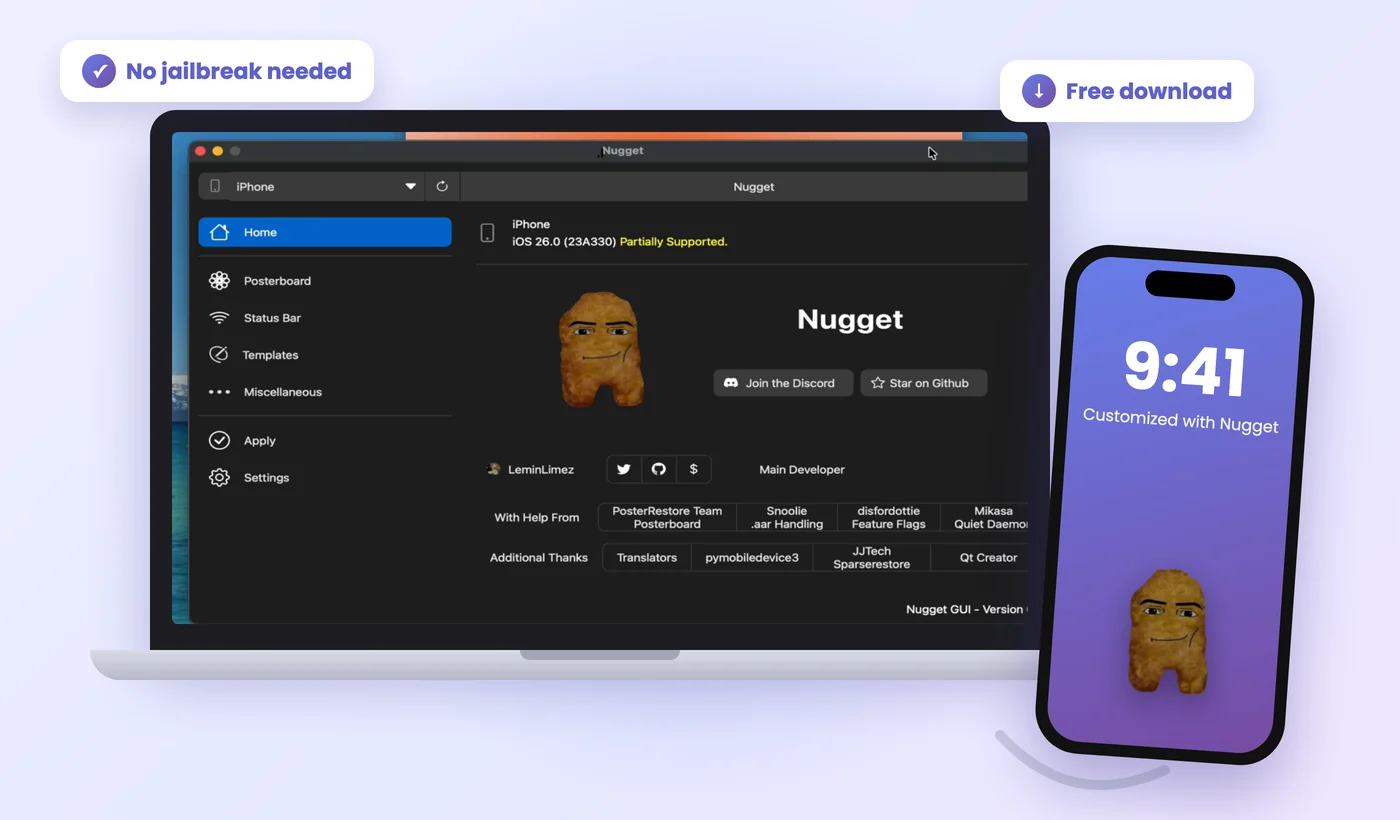
Nugget iOS Download Links (All Platforms)
Pick the file that matches your computer. Nugget runs on your PC or Mac and sends the tweaks to your iPhone over a USB cable, so you do not install anything from the App Store.
Files come from the official v7.4.1 release page. Need an older build? See all Nugget releases.
Do not use Nugget on iOS 27. Apple closed the restore method Nugget depends on, and trying it on iOS 27 can wipe your data. Version 7.3.2 and newer show "Unsupported" on iOS 27 to protect you. On any iOS version, make a full backup of your iPhone before you apply tweaks.
Which Nugget File Should You Download?
Most people only need one of the five files. Use this table to match your computer in a few seconds.
| Your computer | How to check | File to download |
|---|---|---|
| Windows laptop or desktop | Any Windows 10 or 11 PC | Nugget_Windows.zip |
| Mac with M1, M2, M3, M4 chip | Apple menu → About This Mac → Chip says "Apple M…" | Nugget_macOS_arm.dmg |
| Older Mac with Intel | Apple menu → About This Mac → Processor says "Intel" | Nugget_macOS_intel.dmg |
| Linux PC (Ubuntu, Mint, Fedora…) | Run uname -m → shows x86_64 | Nugget_Linux.tar.xz |
| Linux on 64-bit ARM | Run uname -m → shows aarch64 | Nugget_Linux_aarch64.tar.xz |
| Chromebook, iPhone or Android only | — | Not supported – Nugget needs a Windows, Mac or Linux computer |
Nugget iOS Compatibility: iOS 17 to iOS 26
Nugget works on iPhones and iPads running iOS 17.0 or newer, but each group of tweaks has its own version range. Check yours under Settings → General → About → iOS Version.
| Tweak group | What it does | Supported iOS |
|---|---|---|
| PosterBoard | Animated and video wallpapers, community wallpaper files | iOS 17.0 – 26.x |
| Status Bar | Carrier name, signal bars, battery text, time text, hide icons | iOS 17.0 – 26.x |
| Springboard options | Lock screen footnote, no dimming while charging, hide low battery alerts | iOS 17.0 – 26.x |
| Disable daemons | Turn off OTA updates, Game Center, Screen Time agent, Tips and more | iOS 17.0 – 26.x |
| Disable Liquid Glass | Switch off the new iOS 26 glass look | iOS 26.0+ |
| Mobile Gestalt | Dynamic Island on any iPhone, iPadOS features, boot chime, charge limit, Always-On Display | iOS 17.0 – 26.1 only |
| AI Enabler & device spoofing | Apple Intelligence on unsupported models | iOS 18.1 – 26.1 only |
| PosterBoard configurations | Apply full wallpaper setups (needs a full device backup, still experimental) | iOS 26.4+ (new in v7.4) |
| Any tweak | — | iOS 27: not supported |
Behind the scenes, Nugget uses the Sparserestore method on iOS 17.0 – 18.1.1 and BookRestore on iOS 18.2 – 26.1. That is why Mobile Gestalt and AI Enabler stop at 26.1: Apple patched those methods in iOS 26.2, and the developer has confirmed they will not come back. Want to see each tweak in action? Read our Nugget iOS features guide.
What You Need Before You Download
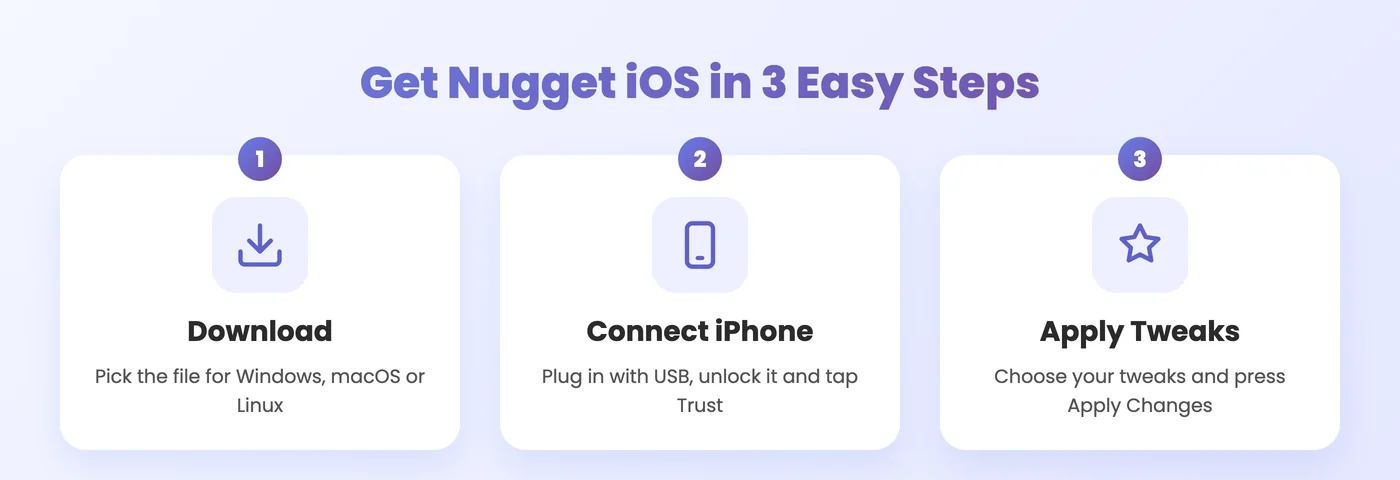
📱 Your iPhone or iPad
- Running iOS 17.0 up to iOS 26.x (not iOS 27)
- A fresh backup in iCloud or on your computer
- Find My iPhone switched off while you apply tweaks
- A working USB or USB-C cable (a data cable, not charge-only)
🪟 Windows
- The free Apple Devices app from the Microsoft Store, or iTunes from Apple
- These install the drivers Windows needs to see your iPhone
🍎 macOS
- No extra software – macOS already talks to iPhones
- Your Mac login password (Nugget may ask for it when applying)
🐧 Linux
- usbmuxd and libimobiledevice installed
- On Ubuntu/Debian:
sudo apt install usbmuxd libimobiledevice-utils
How to Install Nugget on Windows, Mac and Linux
Installation takes about two minutes. Jump to your system:
Install Nugget on Windows
Download the ZIP file
Click Download for Windows above and save
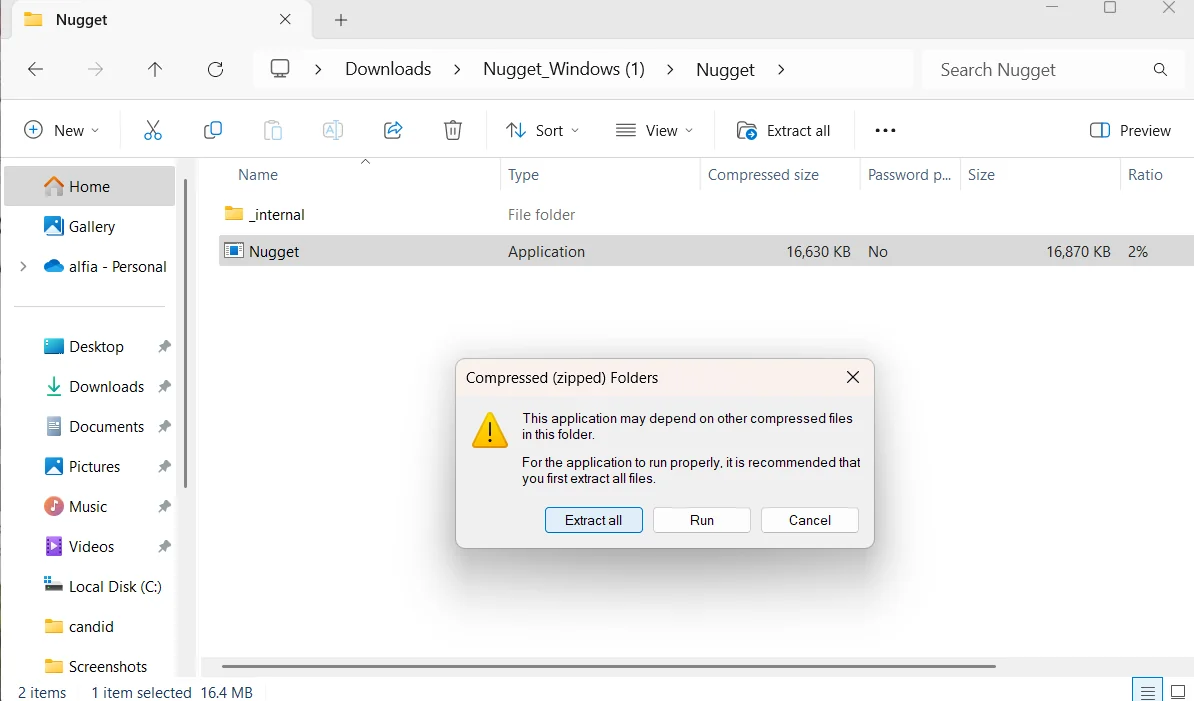
Nugget_Windows.zipto your Downloads folder.Extract everything first
Right-click the ZIP and choose Extract All. Do not run Nugget from inside the ZIP – it needs the
_internalfolder next to it, or it will not start.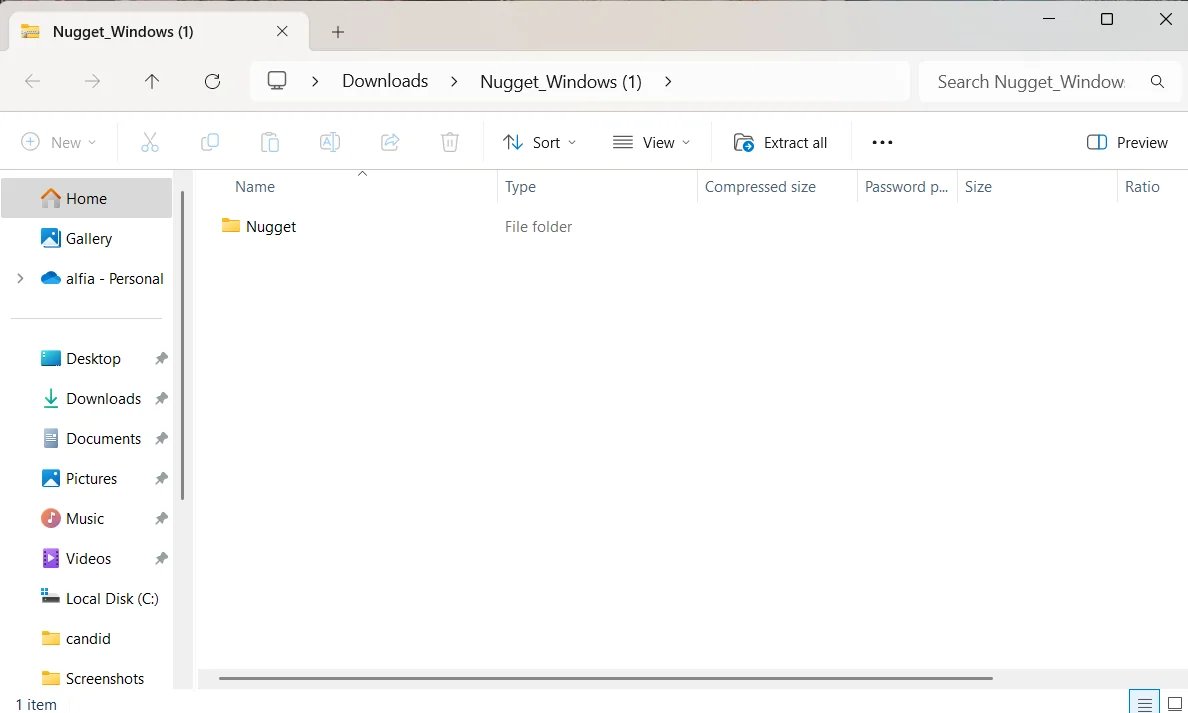
Install Apple Devices or iTunes
If you have not already, install one of them so Windows can detect your iPhone.
Open Nugget
Open the extracted folder and double-click Nugget. If Windows SmartScreen shows "Windows protected your PC", click More info → Run anyway. This appears because the app is not signed with a paid certificate.
Install Nugget on macOS
Download the right DMG
Use the Apple Silicon file for M-series Macs and the Intel file for older Macs.
Drag Nugget to Applications
Double-click the DMG, then drag the Nugget icon into the Applications folder.
Allow it to open
If macOS says it cannot check the app, open System Settings → Privacy & Security, scroll down and click Open Anyway. You only need to do this once.
Enter your password when asked
When you apply tweaks, Nugget may ask for your Mac password so it can talk to the iPhone. Type it and press OK.
Install Nugget on Linux
Install the iPhone drivers
sudo apt install usbmuxd libimobiledevice-utilsOn Fedora or Arch, install the
usbmuxdandlibimobiledevicepackages with your package manager.Unpack the download
tar -xf Nugget_Linux.tar.xzThis creates a
Nuggetfolder. On ARM useNugget_Linux_aarch64.tar.xzinstead.Start the app
cd Nugget
./Nugget
If it does not start, run
chmod +x Nuggetonce and try again.
Run Nugget From Source (Advanced)
Prefer Python, or want the newest code before a release? You need Python 3.9 or newer.
git clone https://github.com/leminlimez/Nugget.git
cd Nugget
python3 -m venv .env
source .env/bin/activate        # Windows: .env\Scripts\activate.bat
pip3 install -r requirements.txt
python3 main_app.py
This installs pymobiledevice3 and PySide6, the two libraries Nugget is built on.
First Run: Connect Your iPhone and Apply Tweaks
Once Nugget opens, these steps get your first customization onto the phone.
Plug in and trust the computer
Connect your iPhone with the cable, unlock it and tap Trust on the "Trust This Computer?" pop-up, then enter your passcode.
Check that Nugget sees your device
The Home page shows your device name and iOS version. If it shows "None", reconnect the cable and press the refresh button next to the device menu.
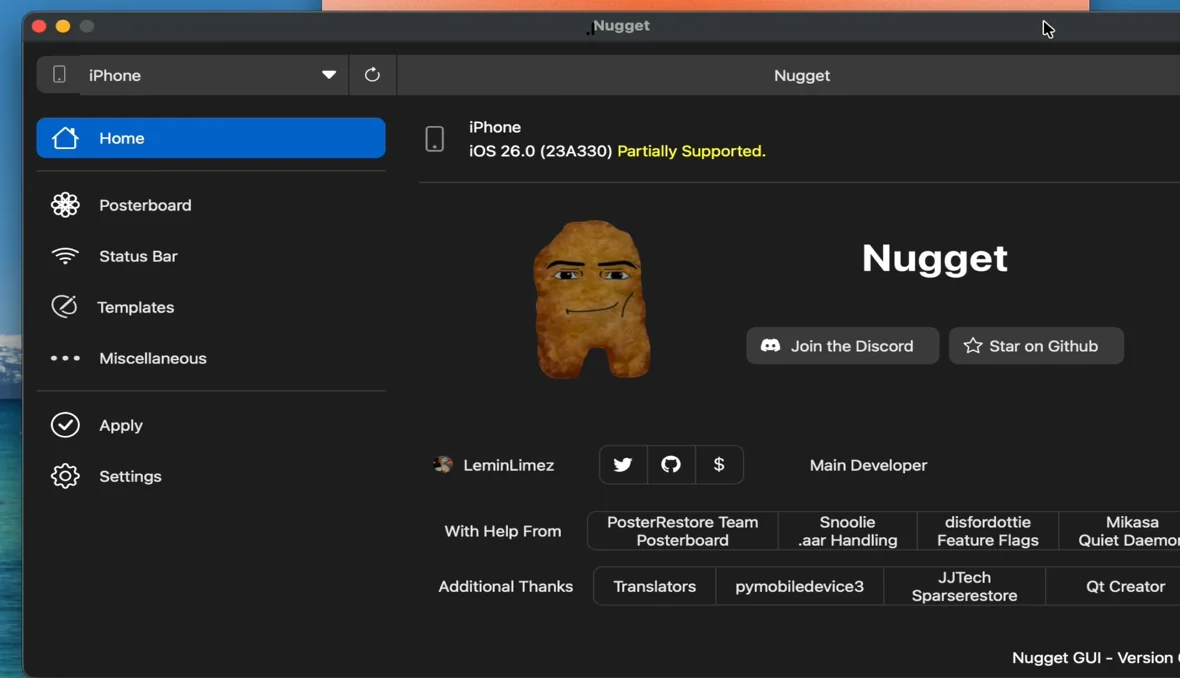
Nugget's Home page after an iPhone on iOS 26 is connected. Turn off Find My
Go to Settings → your name → Find My → Find My iPhone and switch it off. You can turn it back on after the tweaks are applied.
Get your MobileGestalt file (iOS 26.1 and below)
For Mobile Gestalt tweaks, install Apple's Shortcuts app, add the Save MobileGestalt shortcut, run it, and send the saved file to your computer. Then pick it in Nugget with Choose Gestalt File.
Pick your tweaks and apply
Choose tweaks from PosterBoard, Status Bar, Mobile Gestalt and the other pages, open Apply and press Apply Changes. Keep the cable connected until your iPhone restarts.
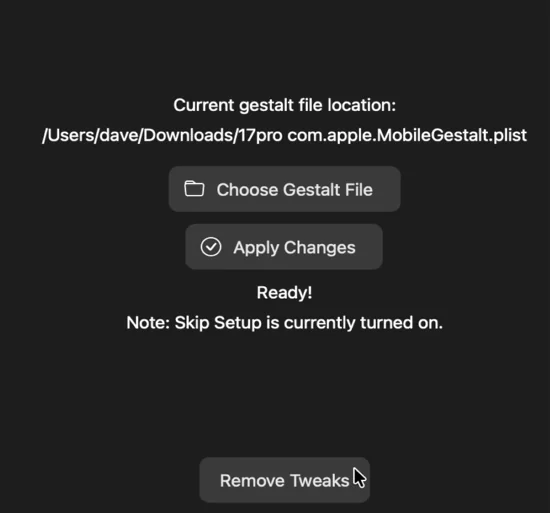
The Apply page with "Ready!" shown – press Apply Changes.
What's New in Nugget v7.4.1
The latest releases focus on iOS 26 support and stability. Here is what changed recently.
- BookRestore can apply again (it broke in v7.4)
- Fixes for supervised devices
- Windows no longer fails to launch because of a missing library
- Apply PosterBoard configurations on iOS 26.4+ (needs a full backup, experimental)
- PosterBoard descriptors re-enabled for iOS 26.4+
- New pymobiledevice3 backend – easier setup for Python users
- New Linux ARM64 build
- Blocks restores on iOS 27 and shows "Unsupported"
- New option to disable the location daemon
- New option to disable the FollowUp daemon
- Interface fixes
Is the Nugget iOS Download Safe?
Nugget is one of the most trusted iPhone customization tools around, but it changes system files, so a little care goes a long way.
Official files only
Every link here points to GitHub's own servers for the leminlimez/Nugget project. Nothing is re-uploaded or repacked.
Open source
The full code is public under the AGPL-3.0 license, with more than 7,400 stars and 400+ forks on GitHub.
No jailbreak
Nugget uses Apple's own restore system to write settings, so your iPhone stays on stock iOS and keeps receiving updates.
Back up first
Some tweaks, especially Mobile Gestalt and iPadOS mode, are risky. A backup lets you undo anything in minutes.
What to Do After Downloading Nugget
Ready to customize? These guides walk you through the most popular Nugget tweaks.
New to the tool? Start on the Nugget iOS homepage or browse every tutorial on our blog.
Nugget iOS Download FAQs
Is Nugget iOS free to download?
Yes. Nugget is completely free and open source. You never need to pay, sign up or complete a survey to download it.
Can I download Nugget directly on my iPhone?
No. Nugget is a desktop app for Windows, macOS and Linux. You install it on a computer and connect your iPhone with a USB cable. There is no official IPA or App Store version.
What is the latest version of Nugget?
The latest version is Nugget v7.4.1, released on 24 September 2026. It fixes BookRestore, supervision issues and a Windows launch error from v7.4.
Does Nugget work on iOS 26?
Yes. PosterBoard, Status Bar, Springboard and daemon tweaks work on iOS 26. Mobile Gestalt and AI Enabler only work up to iOS 26.1.
Does Nugget work on iOS 27?
No. Apple patched the restore method Nugget relies on, and using it on iOS 27 can cause data loss. Newer versions of Nugget block iOS 27 automatically.
Which Mac version should I download, Intel or Apple Silicon?
Open the Apple menu and choose About This Mac. If it lists a "Chip" such as Apple M1 or M3, download the Apple Silicon DMG. If it lists an Intel "Processor", download the Intel DMG.
Why does Windows say "Windows protected your PC"?
SmartScreen shows this for apps without a paid code-signing certificate. Click More info and then Run anyway. Only do this for the file downloaded from the official GitHub link on this page.
Does Nugget need a jailbreak?
Nugget does not jailbreak your device. It edits settings through Apple's backup and restore system, and you can remove tweaks at any time with the Remove Tweaks button or by restoring your backup.
Ready to Customize Your iPhone?
Download Nugget v7.4.1 for your computer, connect your iPhone and try your first tweak in under five minutes.
Back to Download Links